
Don’t know where that image comes from? Use Reverse Image Search to find out

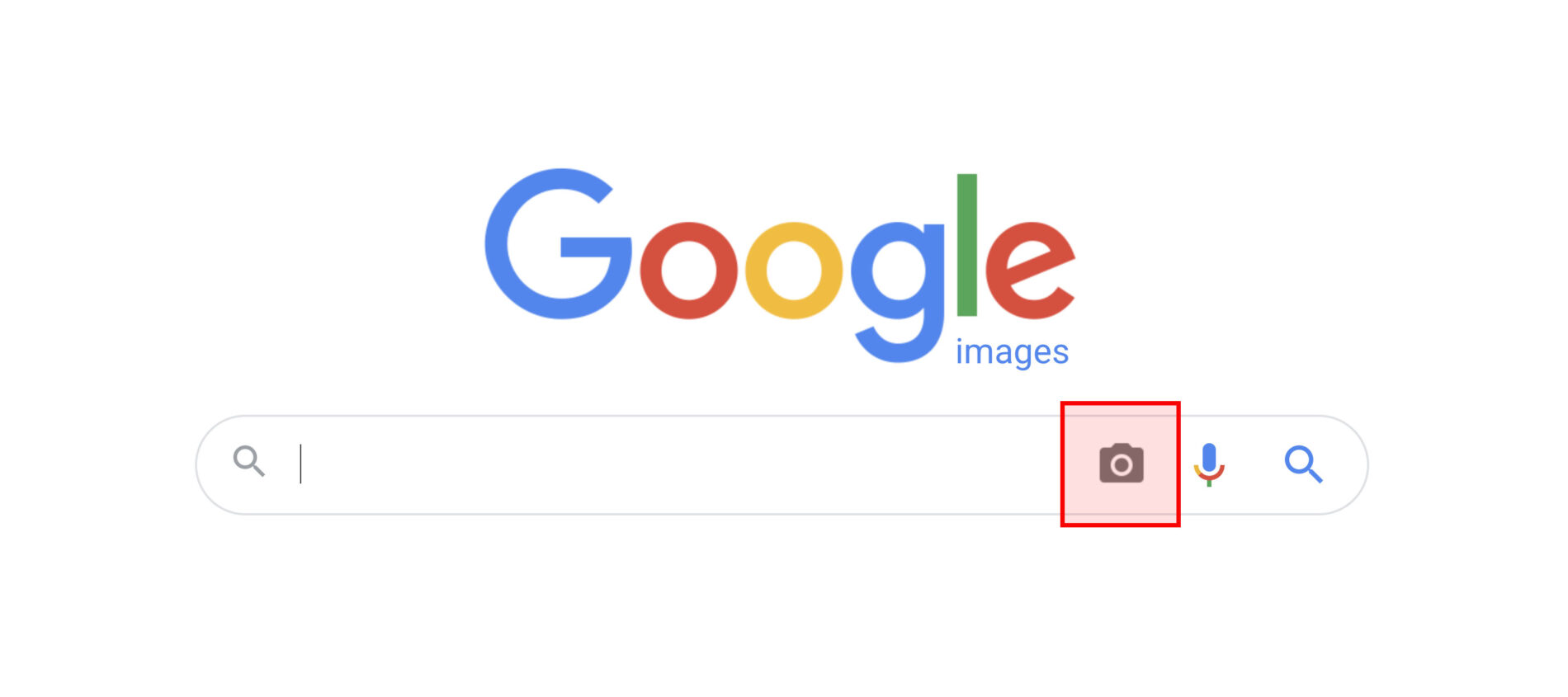
Screenshot of Google reverse Image Search

Maybe you’ve inherited a website and been asked to check your company owns the rights to the images used in the blog posts.

Nobody knows who first sourced them.

What do you do?

Here’s a tip: use Google Reverse Image Search

Step #1

Go to this url: https://images.google.com

Step #2 – Upload/Paste

Click on the little camera icon. Then upload the image to Google, or paste in the URL. It searches through the internet for the same pixel combinations that make up that image and displays what it finds.

Step #3 – Search Results

The search results list every single place the image has been used, and whether it’s an image from a stock library, or details of the original photographer.

Take a look at Google’s detailed instructions.

Recent posts

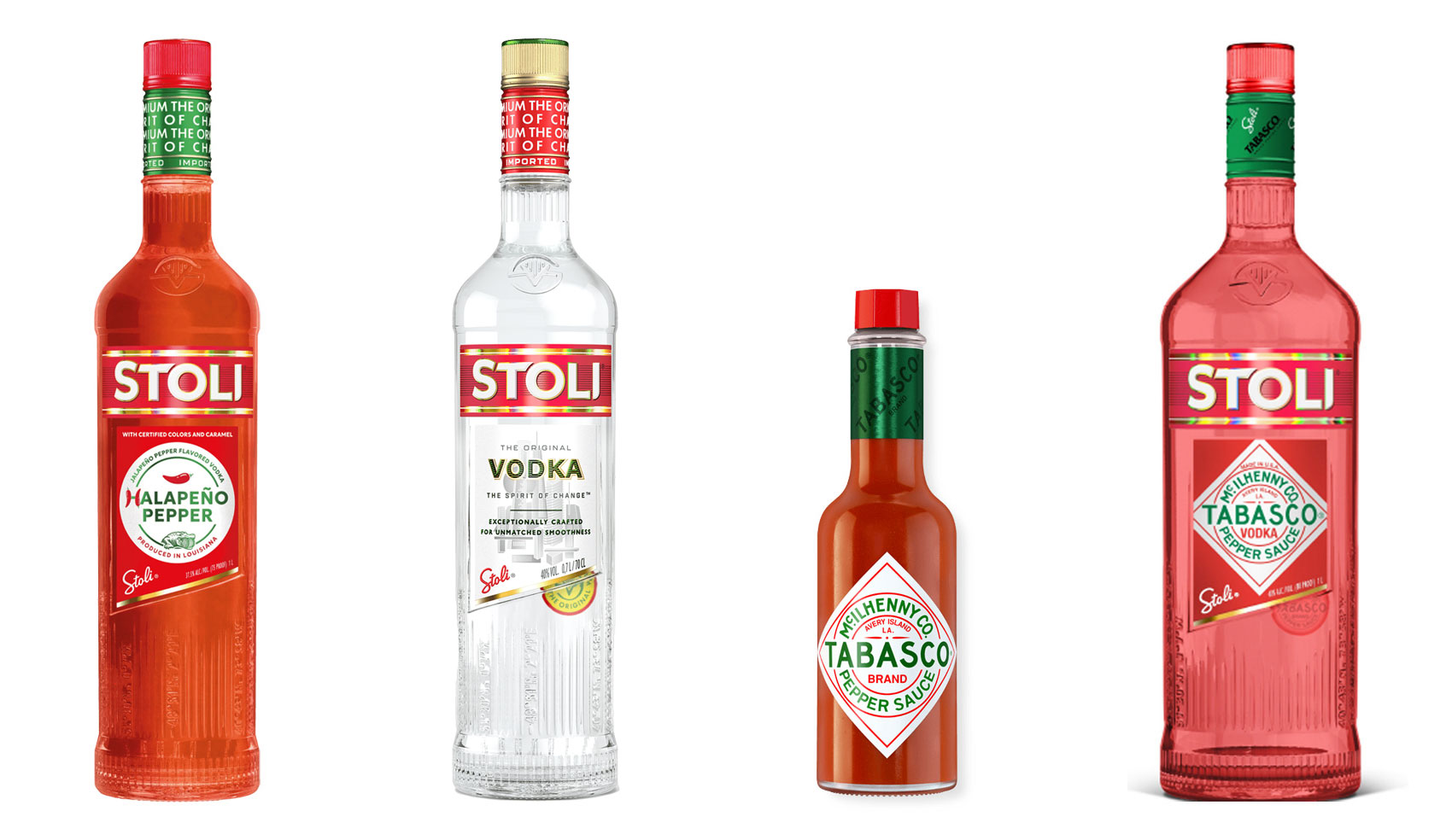
Halapeno Vodka from Stoli, standard Stoli bottle, Tabasco sauce bottle, mockup of a collaboration between Tabasco and Stoli

The 10% Myth

Have you ever heard ‘Change a logo by 10% and then you can legally use it’? We take a look at 2 examples involving Taylor Swift and Tabasco and explain why this is a myth.

Christmas Card Preparation Flow Chart

It’s that time of year when we start looking forward to the end of the working year, changes in the seasons, and celebrations over the New year…
Christmas idea starters

Sometimes it can be hard to think of Christmas Cards (especially when the holiday season is months away). So we present a few ideas to get your creative minds sparking…

President’s Dinner – an unchosen concept

For the 2024 President’s Dinner event at State Library Victoria, we created two visual concepts. 

This is the concept that didn’t make the cut, and we share some of the additional printing and finishing details.

Follow on Instagram

Connect on LinkedIn

Sign up to our newsletter

Subscribe!

Subscribe to our monthly newsletter — Brand News — filled with Design tips, Creativity hacks, Brand news and Design-related goodness.