At the start of a project, we’re often added to Slack channels, given access to newsletter accounts and website logins. Most times, no-one remembers to remove that access once the project is over.
That’s a big security risk.
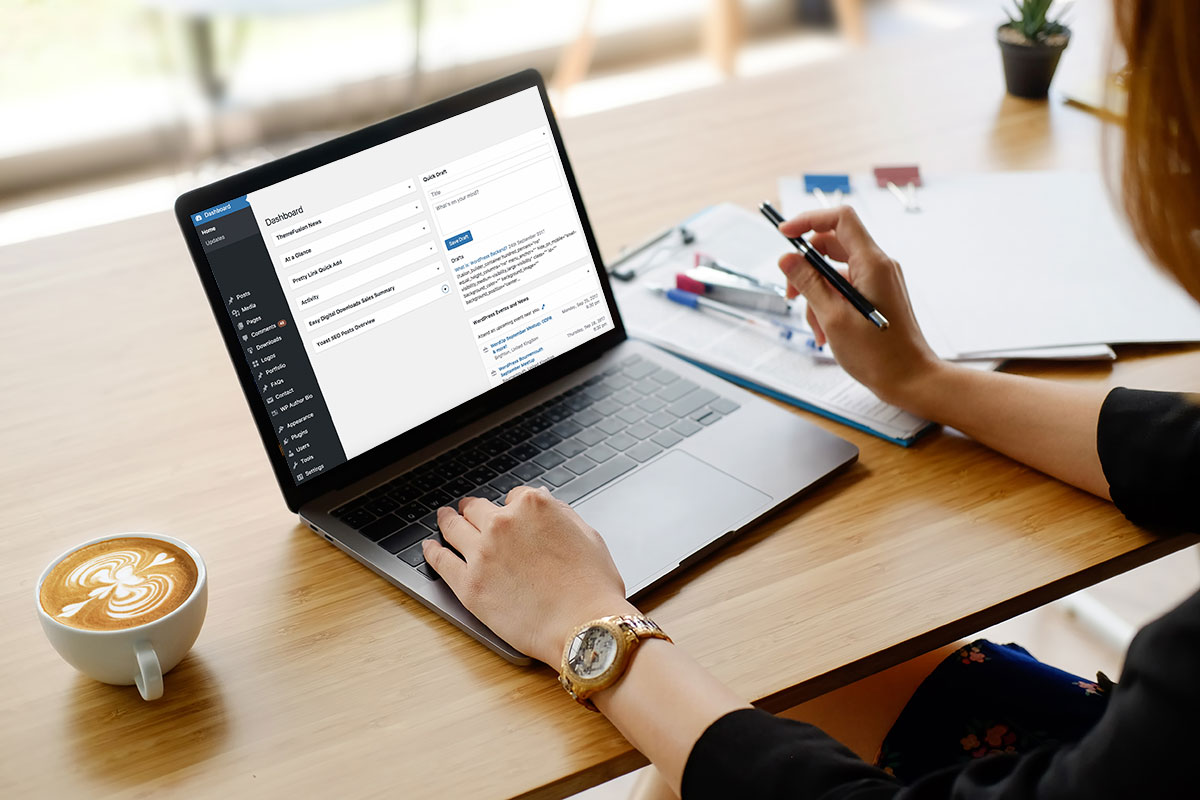
 Login to your website and check user accounts (on WordPress: ‘Users’ tab in the left panel).
Check their security profiles eg. Admin, Editor. Delete a user if they no longer need access You can always re-add them if needed.
Most businesses have a Google Analytics account. Go through the same process. Review. Edit. Delete.
If you have one, log in to your newsletter account (eg. Mailchimp). Take a look at who has access.
Website hosting account? Check that too.
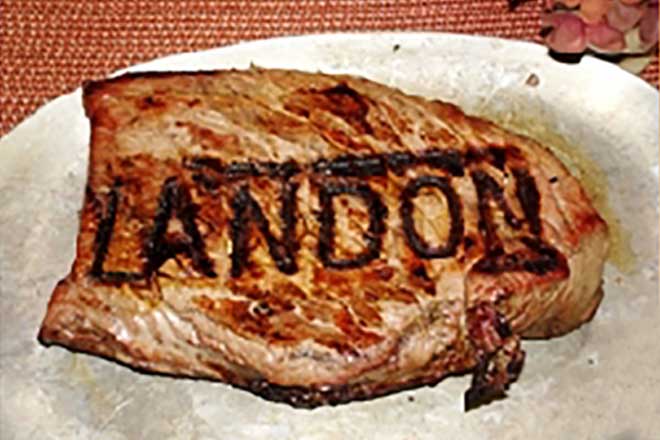
Way back in 2010, Brand By Name made branding irons. In Oregon USA, a (different) Brand By Name sold personalised irons for your favourite barbecued meal.
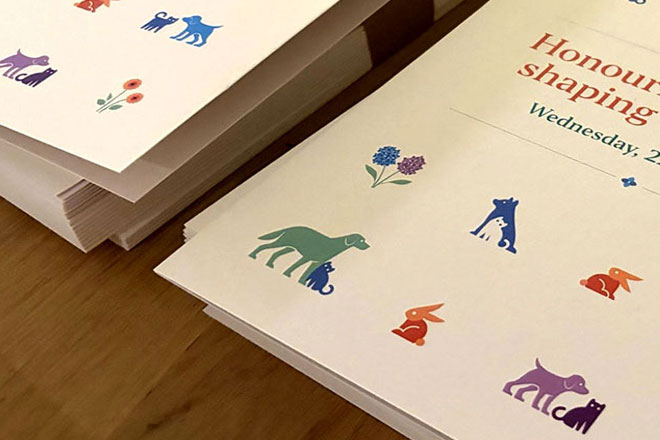
Lort Smith is the busiest animal hospital in Australia, seeing more than 25,000 animals each year for services ranging from vaccinations to orthopaedic surgery.
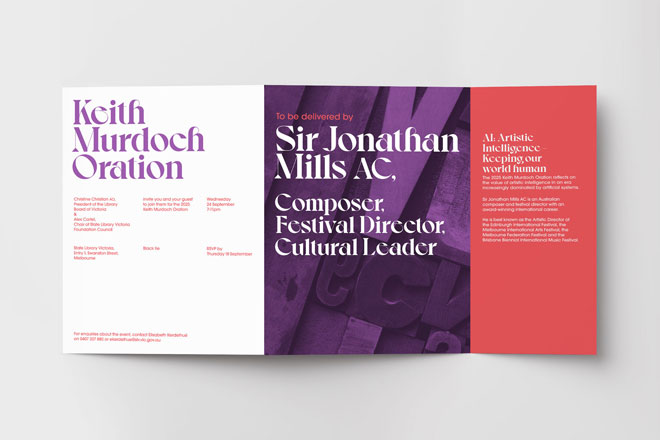
In corporate event branding, you’re often working with a company’s brand guidelines.
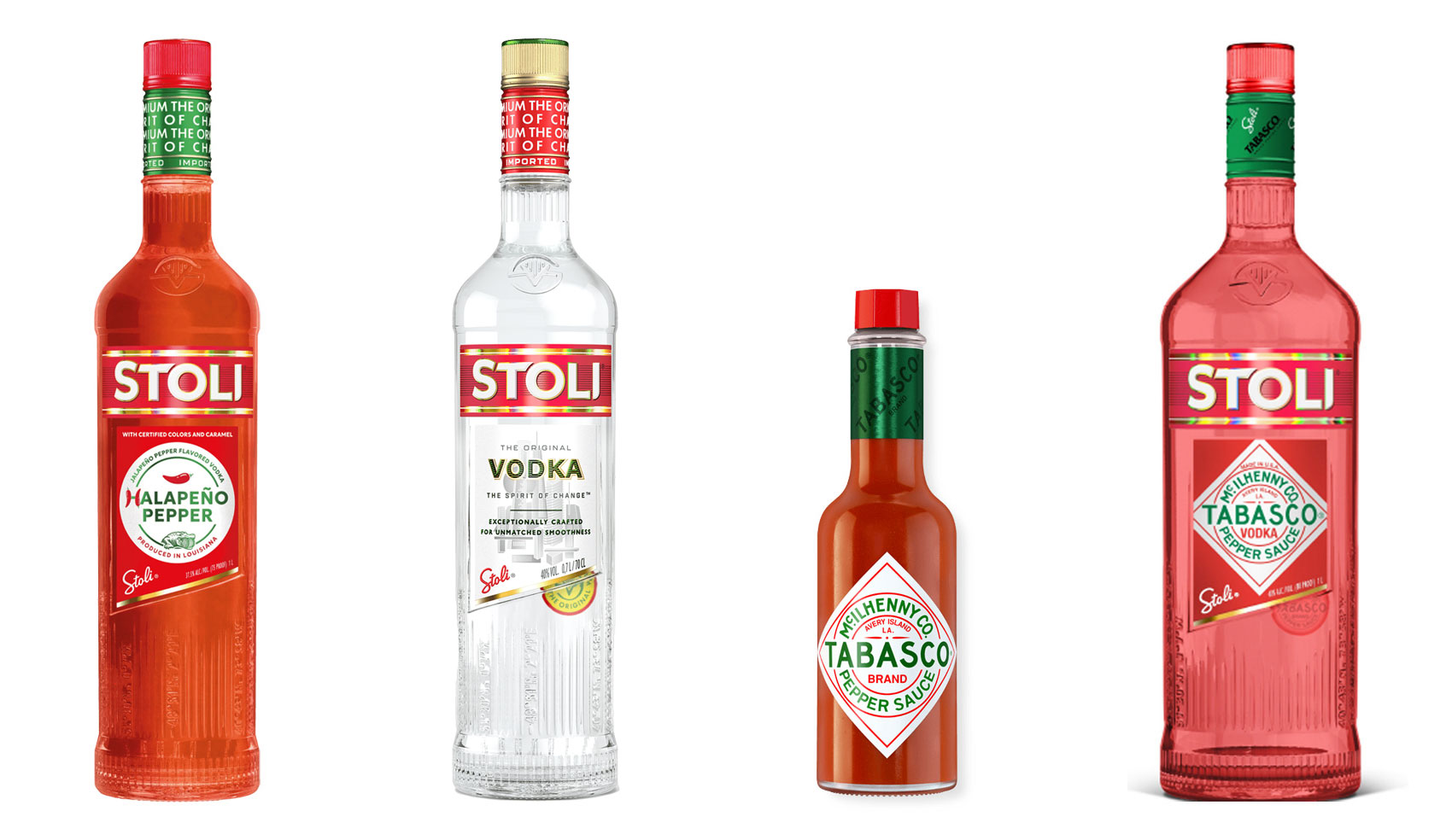
Have you ever heard ‘Change a logo by 10% and then you can legally use it’? We take a look at 2 examples involving Taylor Swift and Tabasco and explain why this is a myth.
Whatever the brief is, it’s exactly the same. Every project. Every time. Every design. It‘s just one word.
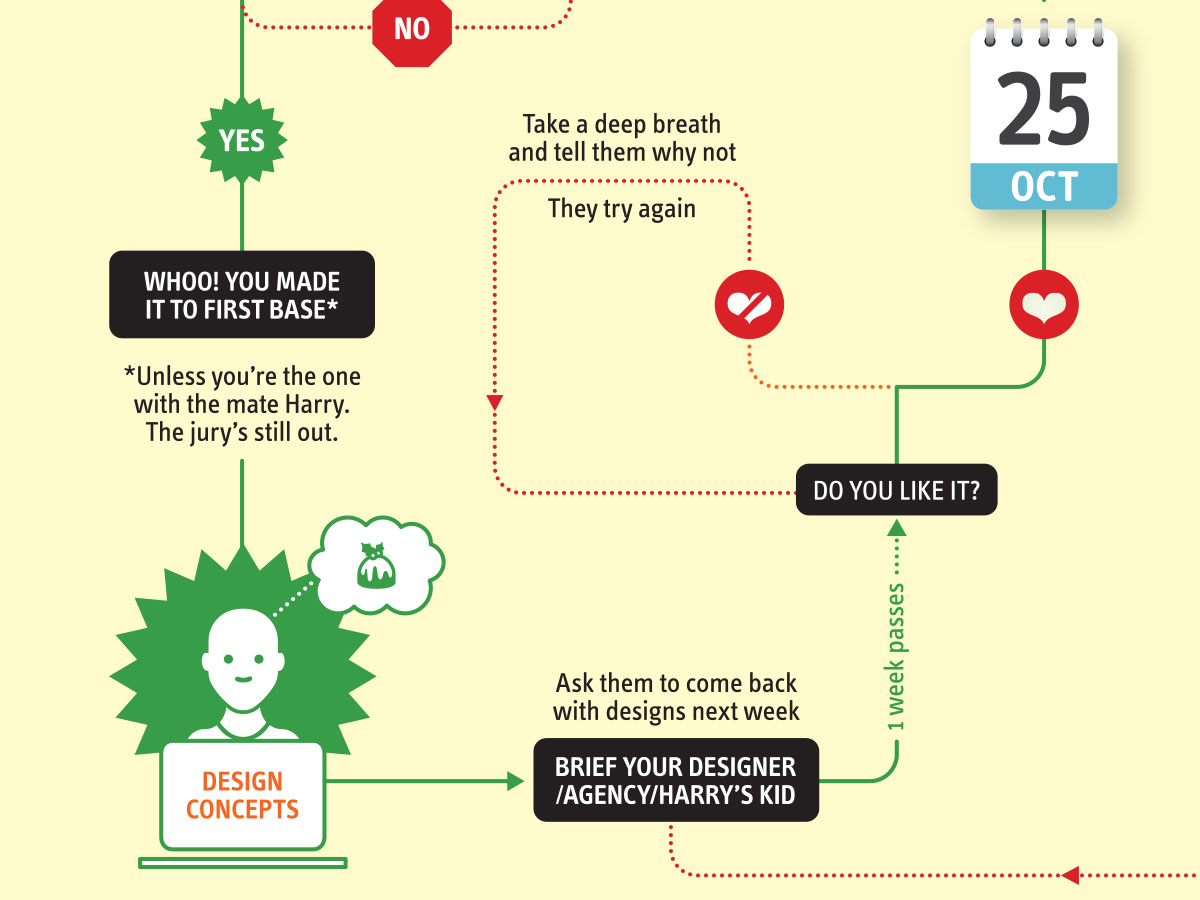
It’s that time of year when we start looking forward to the end of the working year, changes in the seasons, and celebrations over the New year…